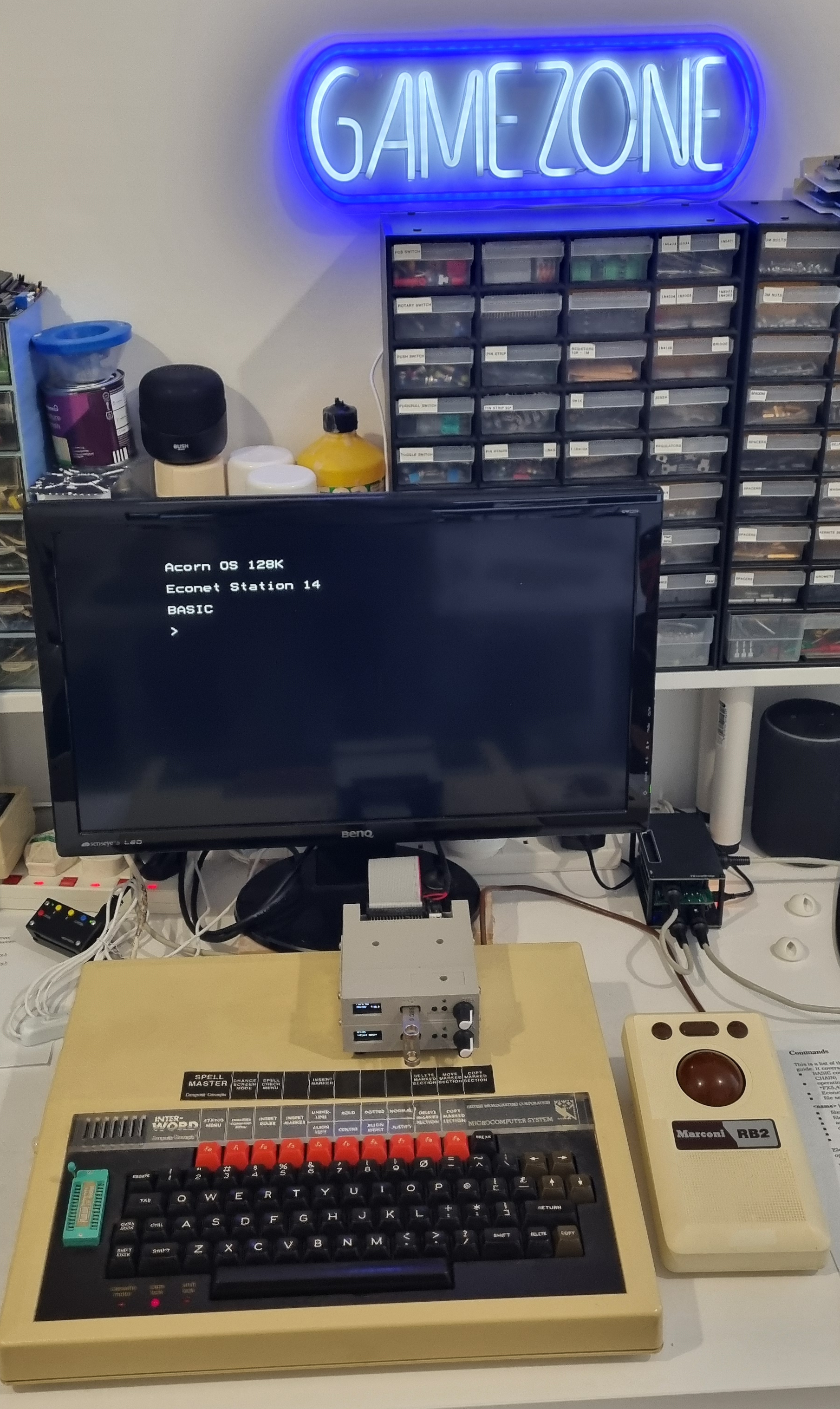
Adding a volume control to my BBC B+
The default volume on my B+ has always been an issue, it is far too loud. Forty years ago I solved this by adding a switch to the side of the computer (I wouldn't dream of drilling the case today!) to simply cut the speaker out of circuit but when I brought it out of storage in 2019 the switch was broken so I removed it and put a resistor in its place to try and reduce the volume.
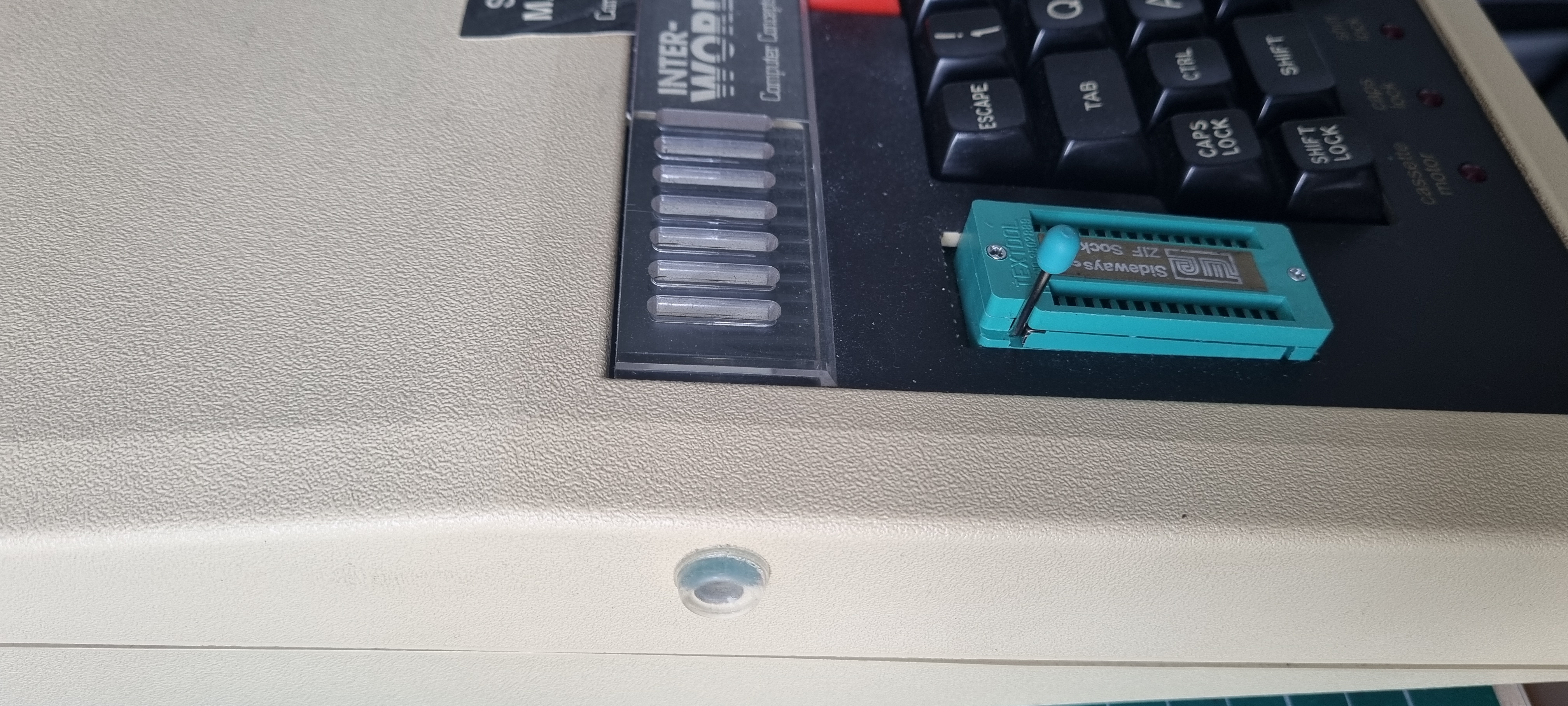
I put a clear silicon pad over the hole to see if it reduced the volume - it didn't!
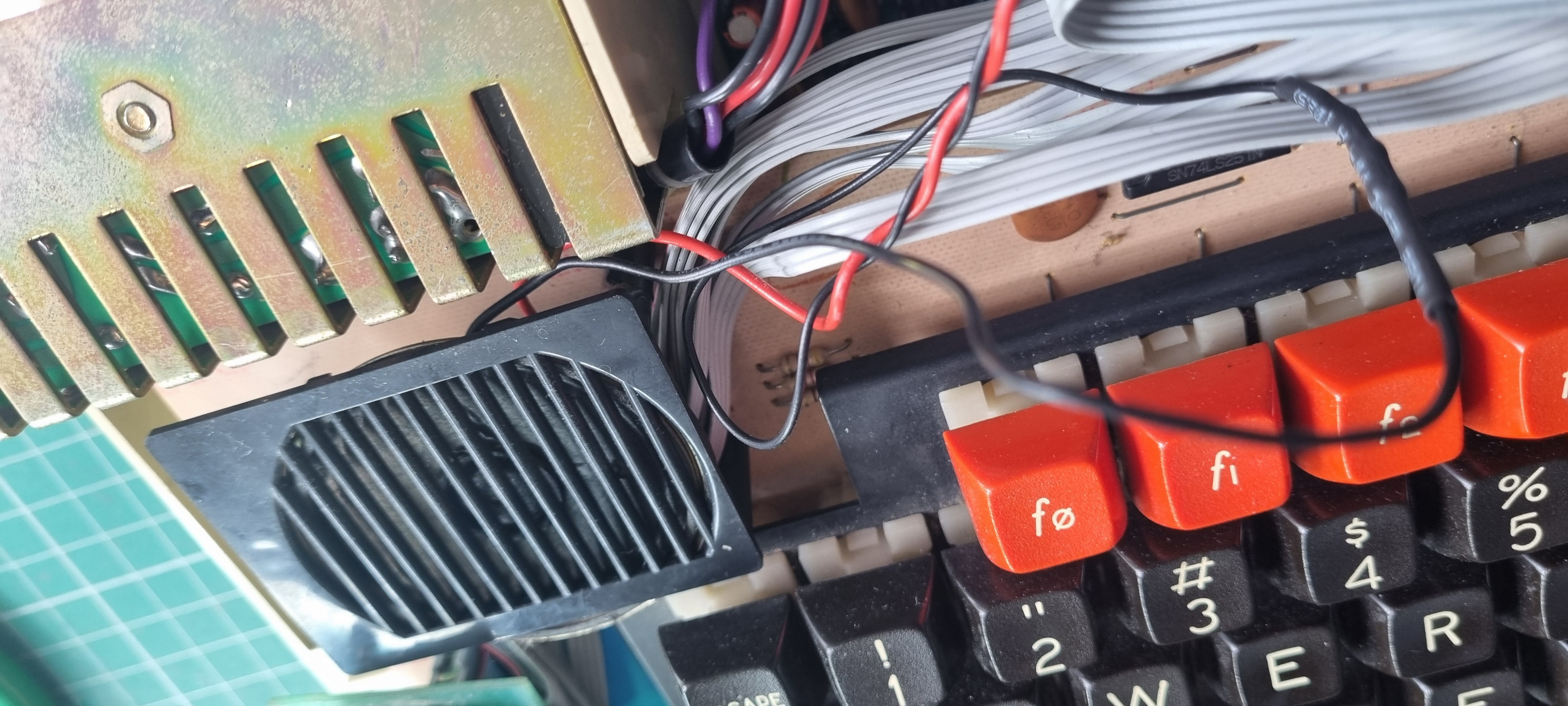
The resistor soldered and sleeved on the ground wire.
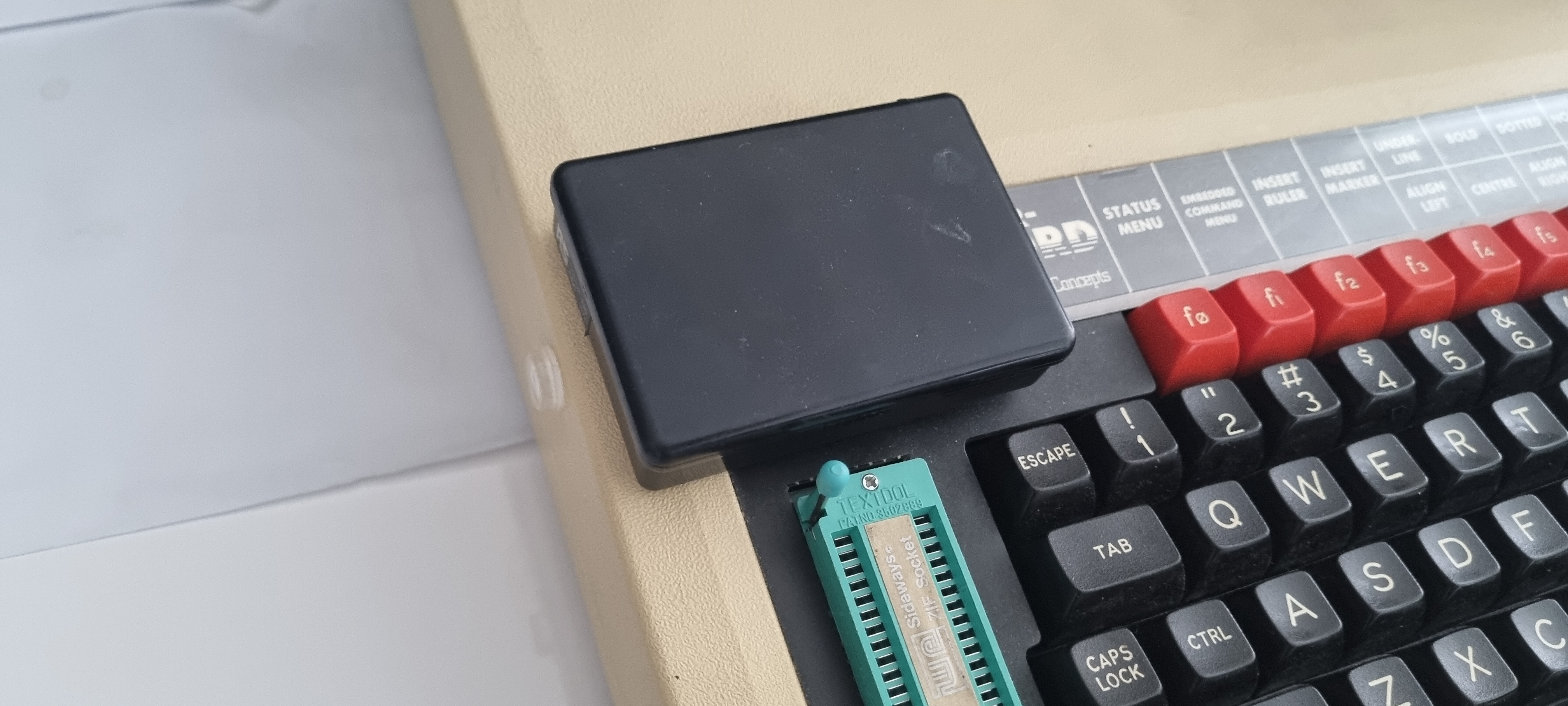
And my most recent attempt at reducing the volume - placing a box over the speaker.
What finally motivated me to do something was when all my machines (two Electron Ultras and the BBC B+) were being played on and the BBC volume was overpowering all game play..it was time to look at reducing the volume.
Back in the 80's the circuit diagram wasn't readily available - no internet! but now it was as simple as a quick search and a download. I was pleasantly surprised that Acorn had designed a volume control (VR2) onto the motherboard but equally surprised it wasn't populated.
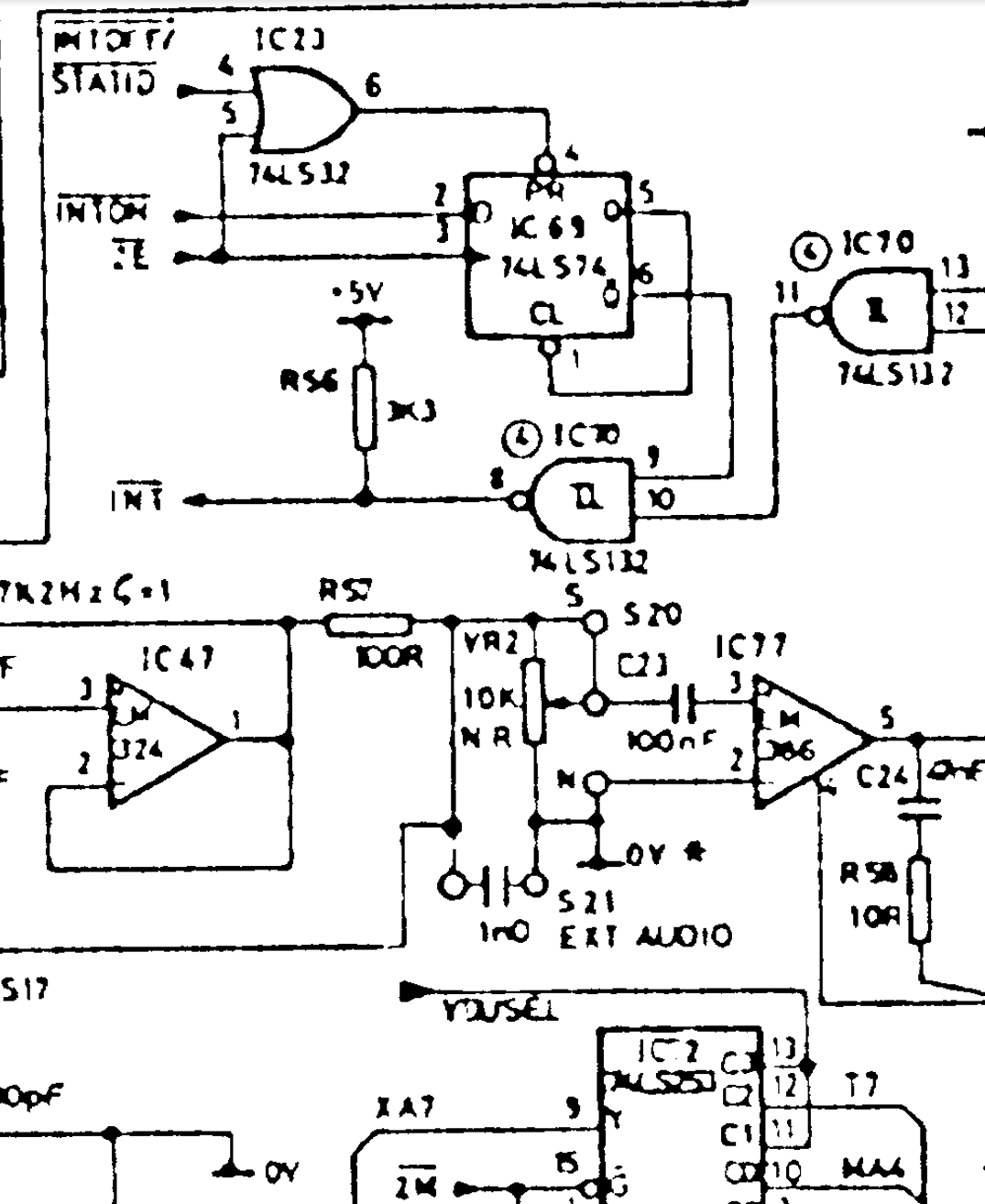
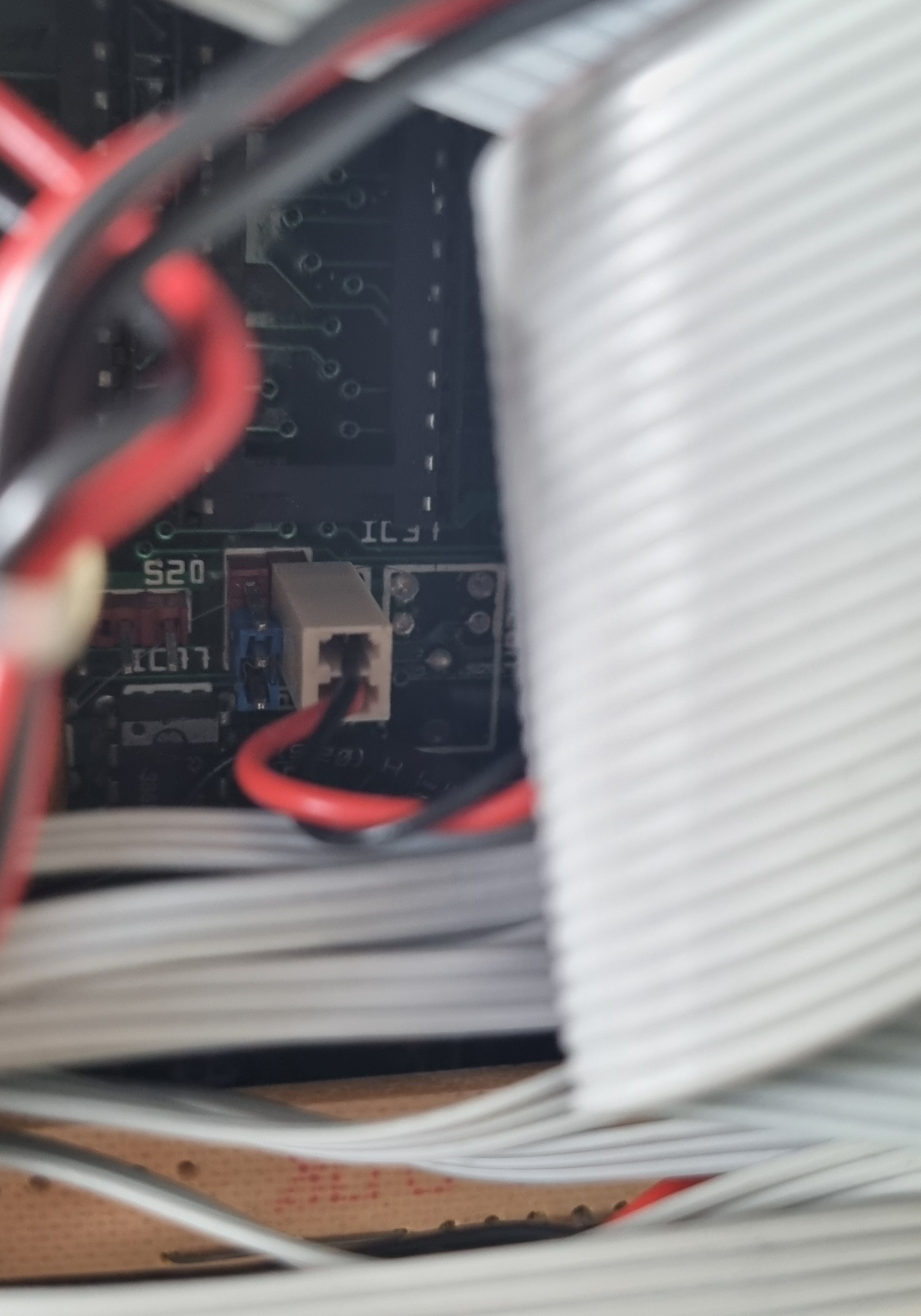
Looking down to the left and just behind the keyboard I could see the speaker wires and the unpopulated pads for the preset resistor.
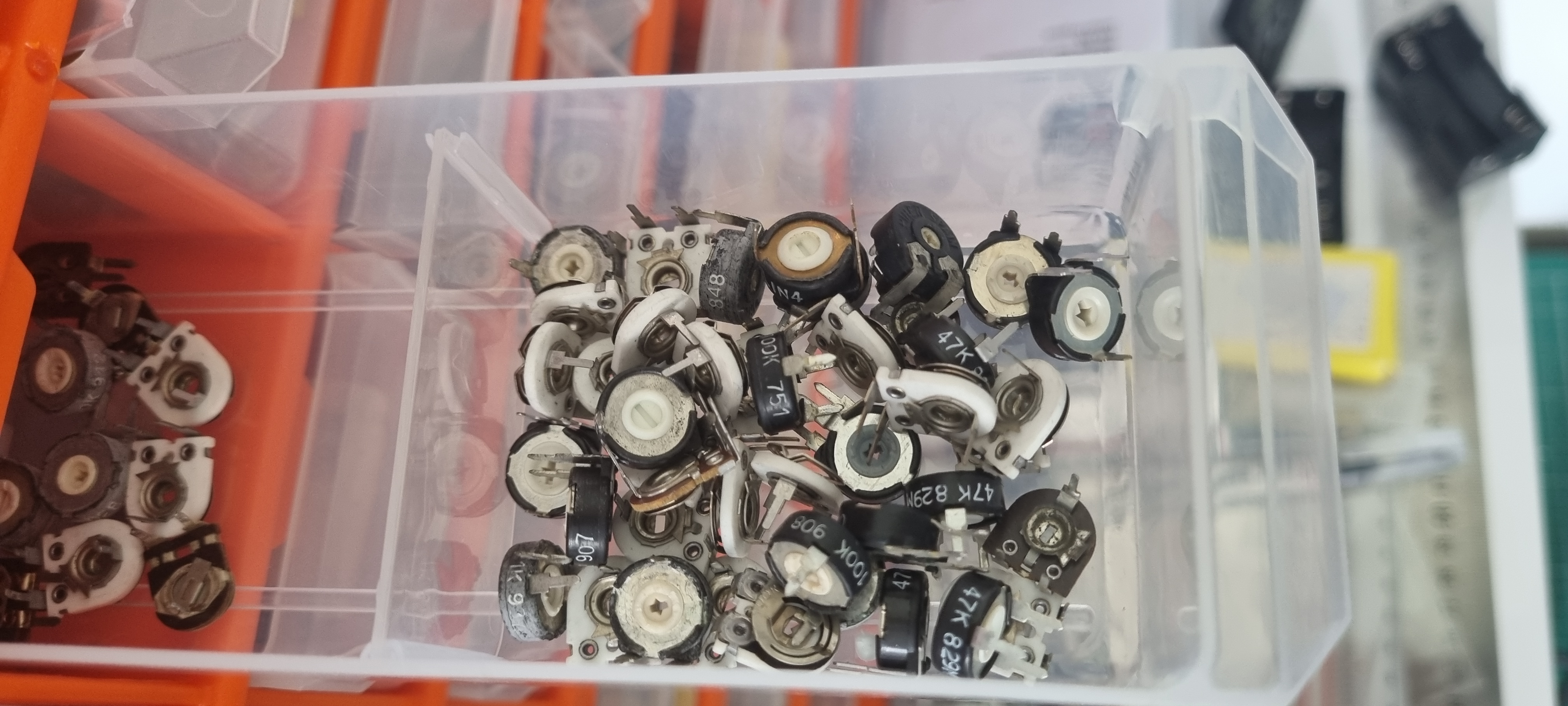
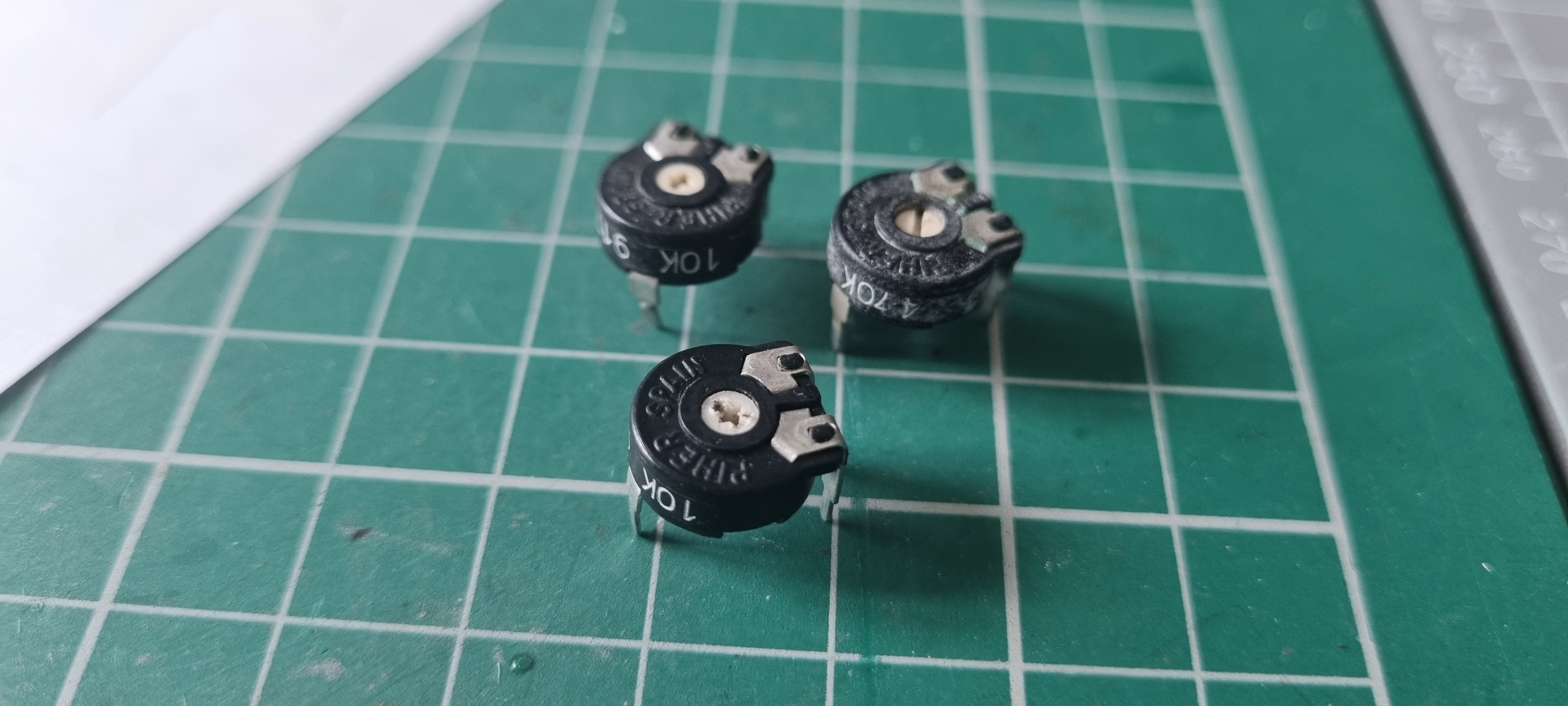
I have a drawer full of old preset resistors so I looked to see if I had one of the correct value. The diagram states a 10K preset is required and I found three, one used, another fausty (just noticed it's a 470K so I couldn't use that anyway) and a third that looked in good unused condition - that's the one I'll use.
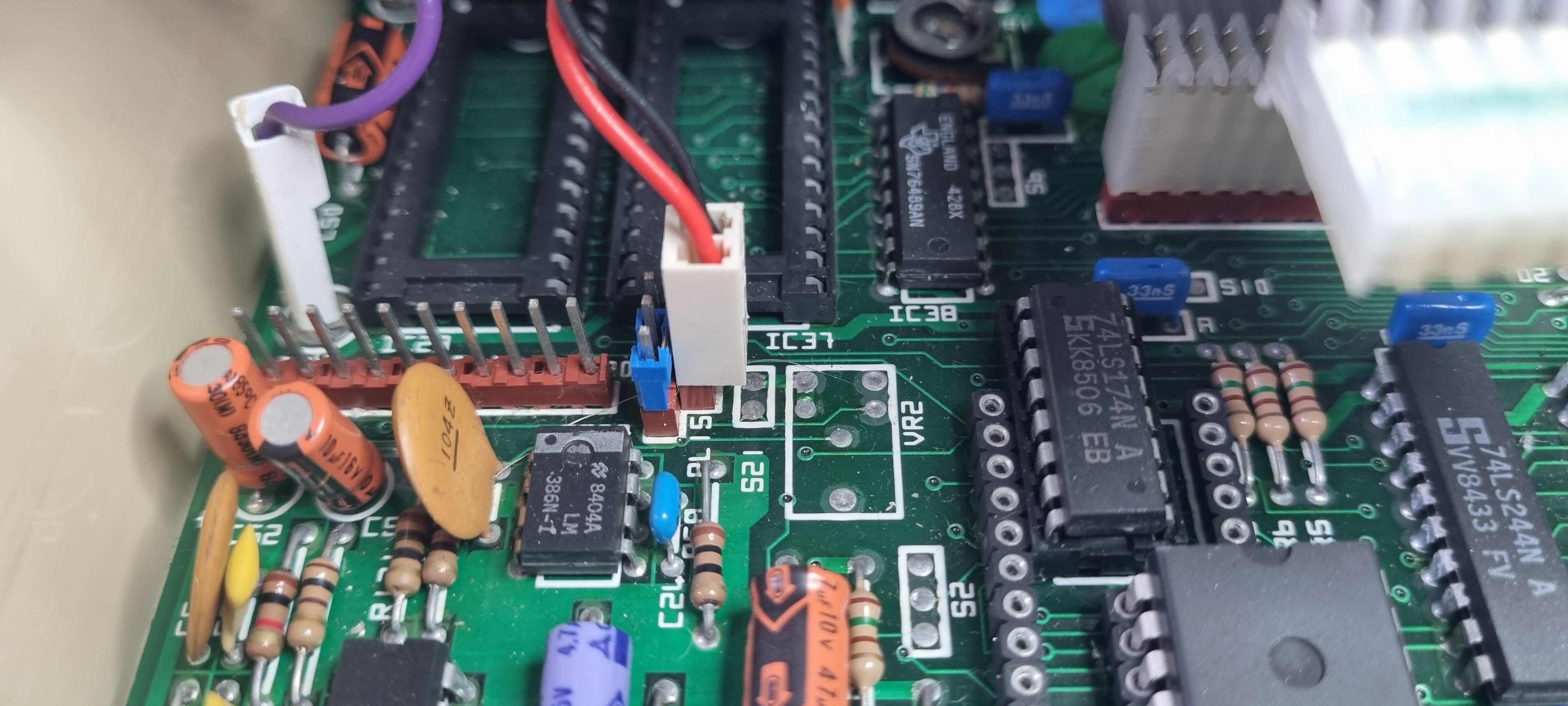
I wanted to do this without removing the motherboard so I moved the keyboard out of the way giving me a good view of the area.
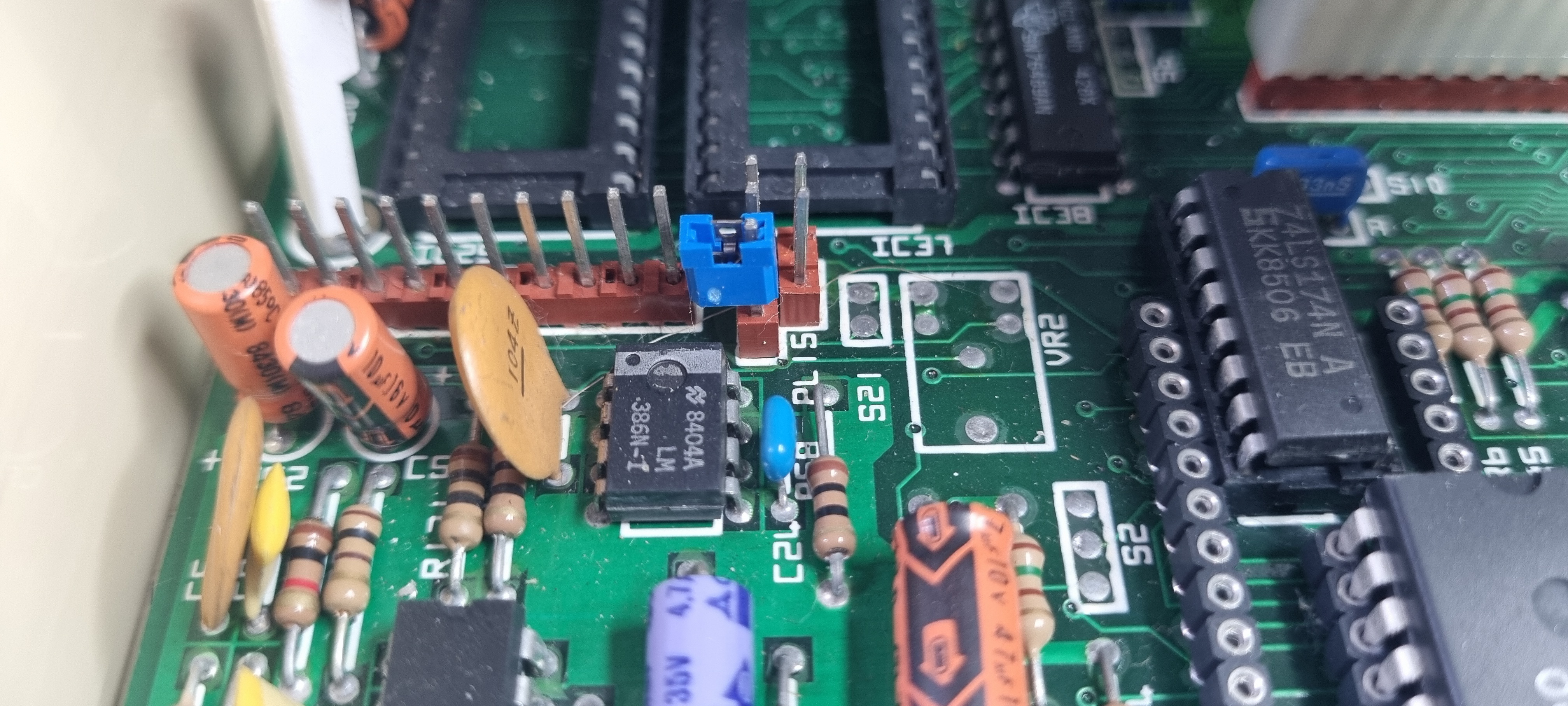
I then removed the speaker cable and as the circuit shows I removed the jumper link. I kept it by plugging in just one side.
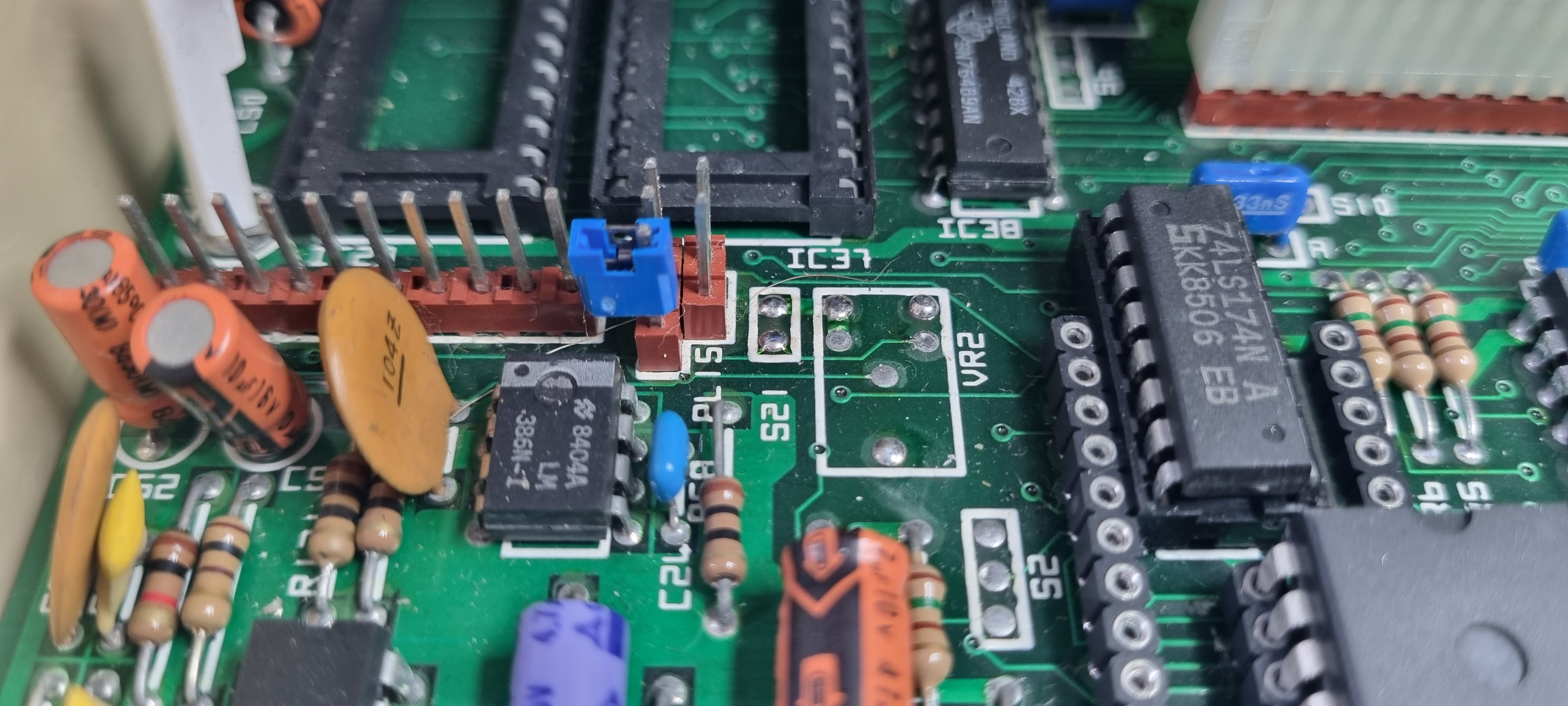
Now to get in with the soldering iron - I pre-tinned the holes I wanted to clear.
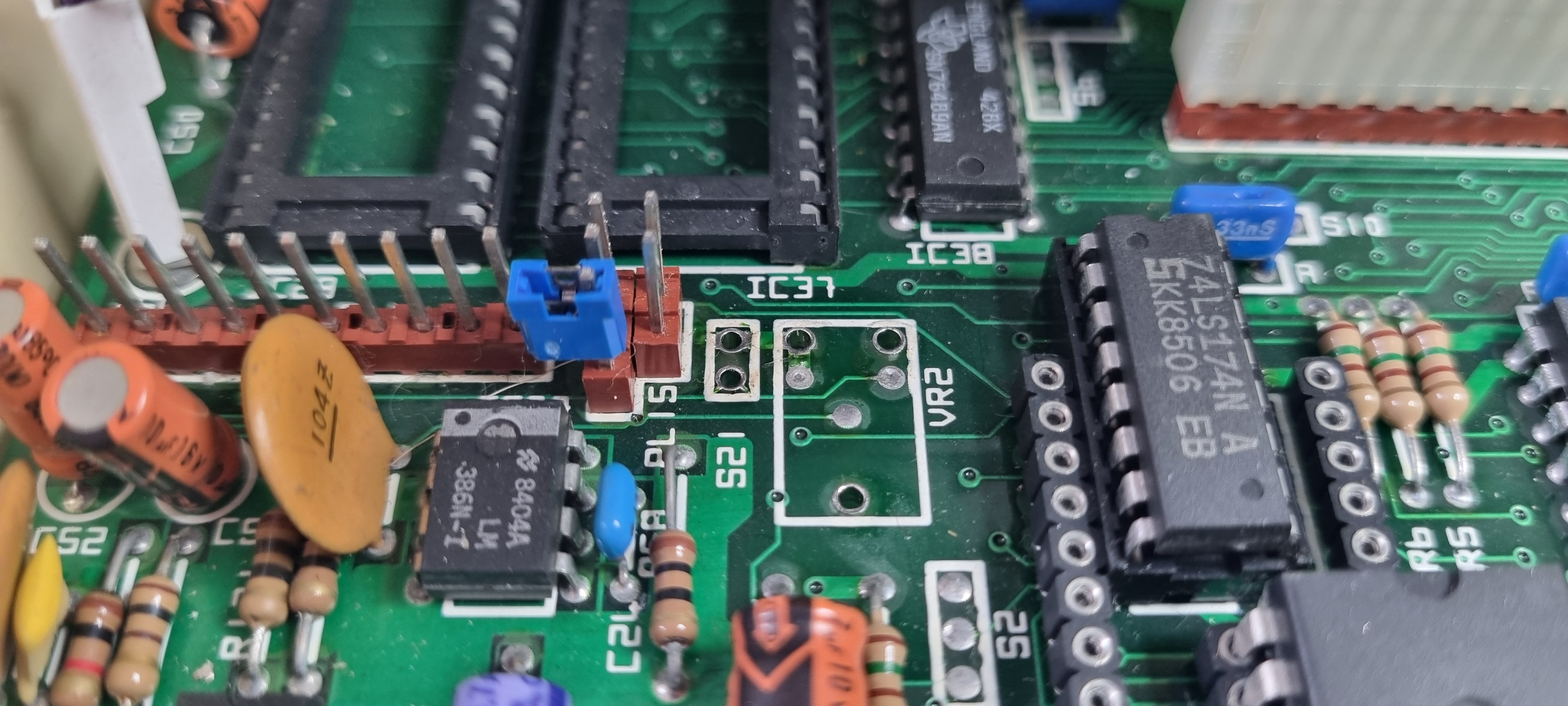
Then using a de-soldering tool I cleaned the holes. I also cleaned the holes where the circuit shows a 1nF capacitor but I won't be fitting that unless absolutely necessary.
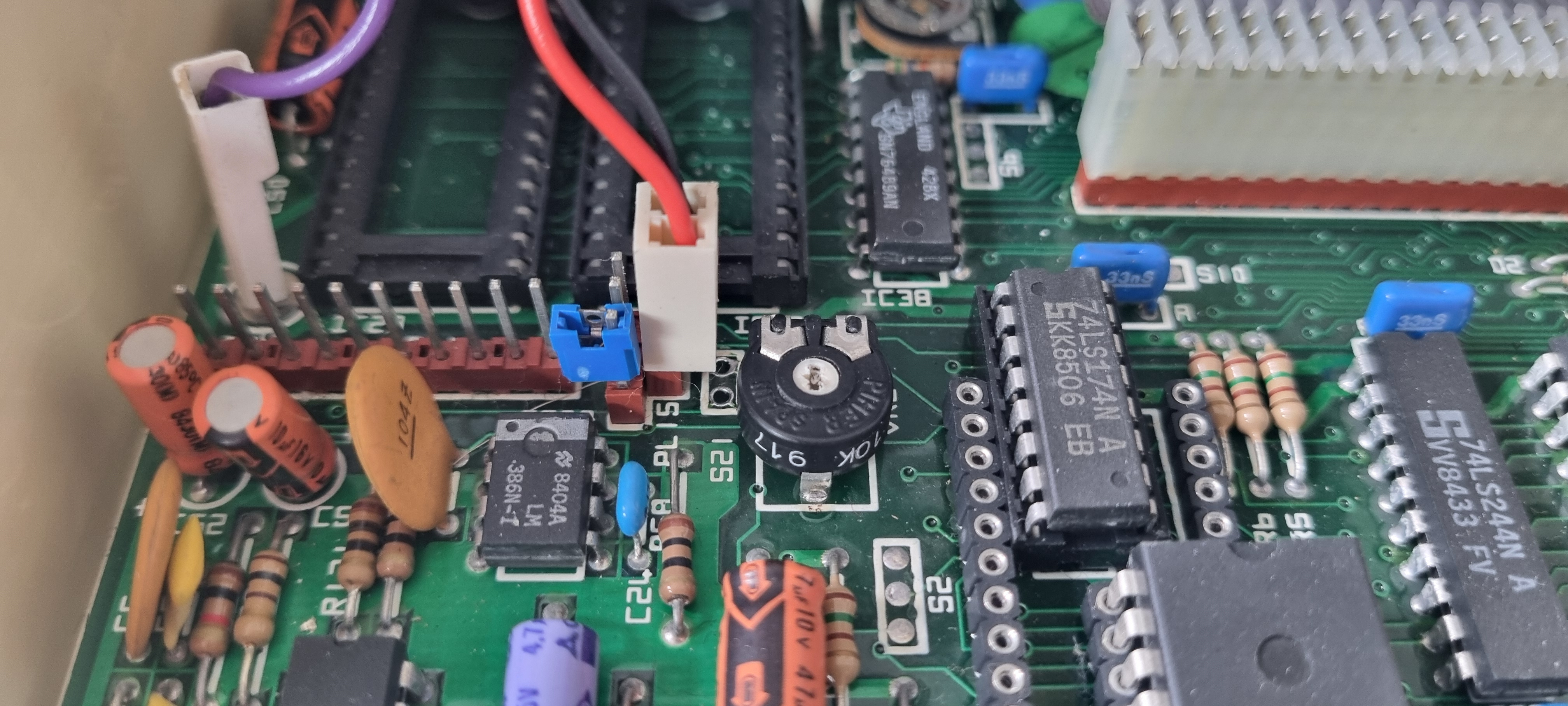
And finally I placed the preset component into the holes and soldered it in place then I replaced the speaker connector and keyboard ready to test.
Setting the volume
Before using this preset (which is probably much the same age as the machine) I tested it with my mutimeter and left it in its mid position. Switching on the computer I could tell it was a bit quieter than before but not as quiet as I wanted it.
I loaded up a game that I new played some constant music/sound effects and I used a small jewellers screwdriver to turn the volume down to what I wanted. I do have proper trimmer tools but none of them would fit! Once the volume was set I replaced the lid of the computer and it appeared to get louder so I had to turn it down a bit more and replace the lid again. I did this a few times until I got the volume just right.
I am so confident that I won't have to open the case again for a long time that I have fitted the lid screws...it's been open for seven years...